I've been a
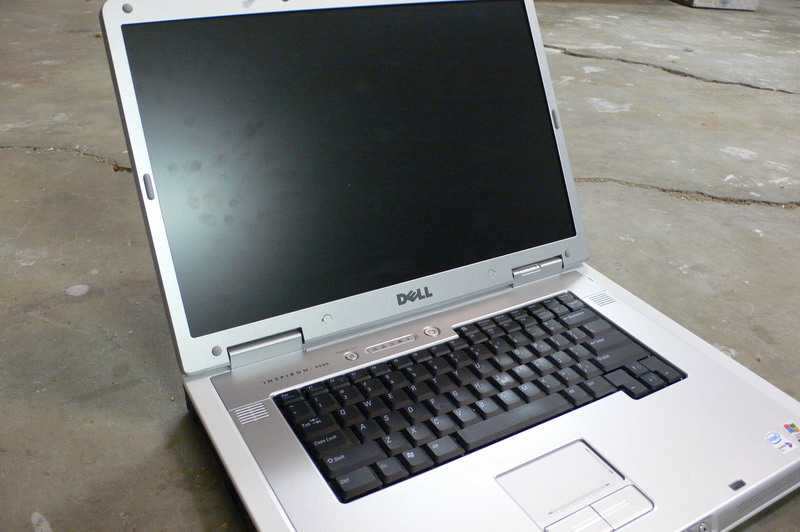
Dell Inspiron owner for quite a few years now. 7500, 8200, 9300 and now the 9400.
But like most notebook owners, I had to keep a desktop PC around for heavy duty stuff like 3d animation rendering, editing video and playing games. But with the 9400, the notebook has just about caught up with the desktop. The latest Intel Core 2 Duo processor and NVidia bring the notebook really close to the realm of desktop performance. I still have a mini-tower, but use it alot less now.
My Inspiron Specs:- Core 2 Duo processor T7200 (4MB/2.00GHz/667MHz)
- 17 inch Wide Screen XGA+ Display
- 1GB Shared Dual Channel DDR2 SDRAM at 533MHz
- 256MB NVIDIA GeForce Go 7900 GS
- 100GB 7200RPM SATA Hard Drive (fast drive plus fast bus speed)
- Windows XP Professional
- Integrated 10/100 Network Card and Modem
- Intel PRO/Wireless 3945 Internal Wireless (B & G)
- 80 WHr 9-cell Lithium Ion Primary Battery (upgraded from standard battery)
- Dell Wireless 355 Bluetooth Internal (for wireless mouse and cellphone-as-modem)
The screen is the same as the 9300 I had last year. Like then, I went for the lower res option of 1440x900 (vs 1920x1200). I struggled over the decision to go with a smaller screen this time. The 17" wide model is huge compared to other notebooks, and it's hard to find a case or backpack that fits it (even some that are advertised for 17" screens didn't fit-- I recommend brining your notebook to the store when shopping for a case). But as a desktop replacement, the big screen is the right choice.
At the time the graphics selection was between a lower end ATI chipset and a high end NVidia. Naturally I went with high end, but would have done so anyway regardless of which chip it was.
The 100GB drive was a good balance of cost/storage/speed. I'd rather have a smaller faster drive than a slow big one. You can always add external drives anyway.
The keyboard feels really good. I prefer it to a regular keyboard actually.
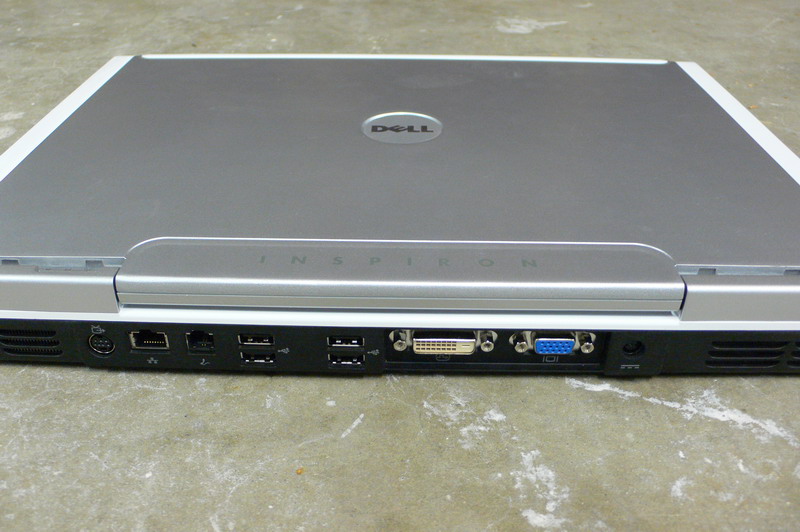
Connectors:
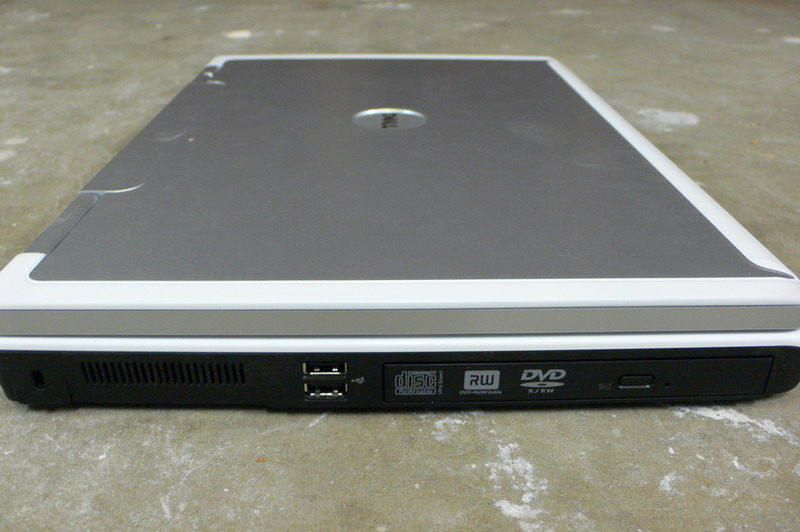
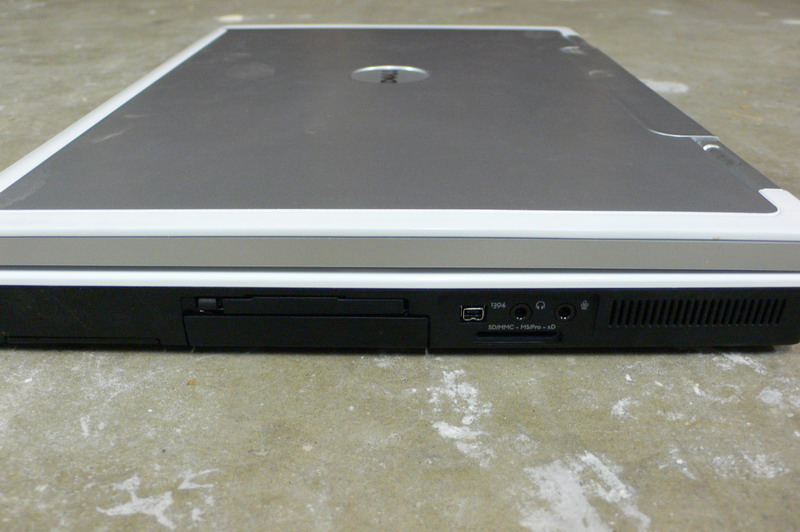
- 6 USB (more than enough- 4 here 2 on the side)
- Both RGB & DVI (nice!)
- 1 S-Video
I've hooked it up to our new plasma screen with a DVI to HDMI cable. It looked excellent. You can find DVI to HDMI cables for around $30-40 at most computer stores.
- 1 Firewire (mini connector)
- SD-Card (useful w/digital cameras)
- Mini audio in/out (standard)
Ordering from Dell.com is fun, since you get to customize the features. While building your Dell it always gives a super conservative delivery time. Only after you make the purchase does it give an accurate date which is always sooner than the estimated one.